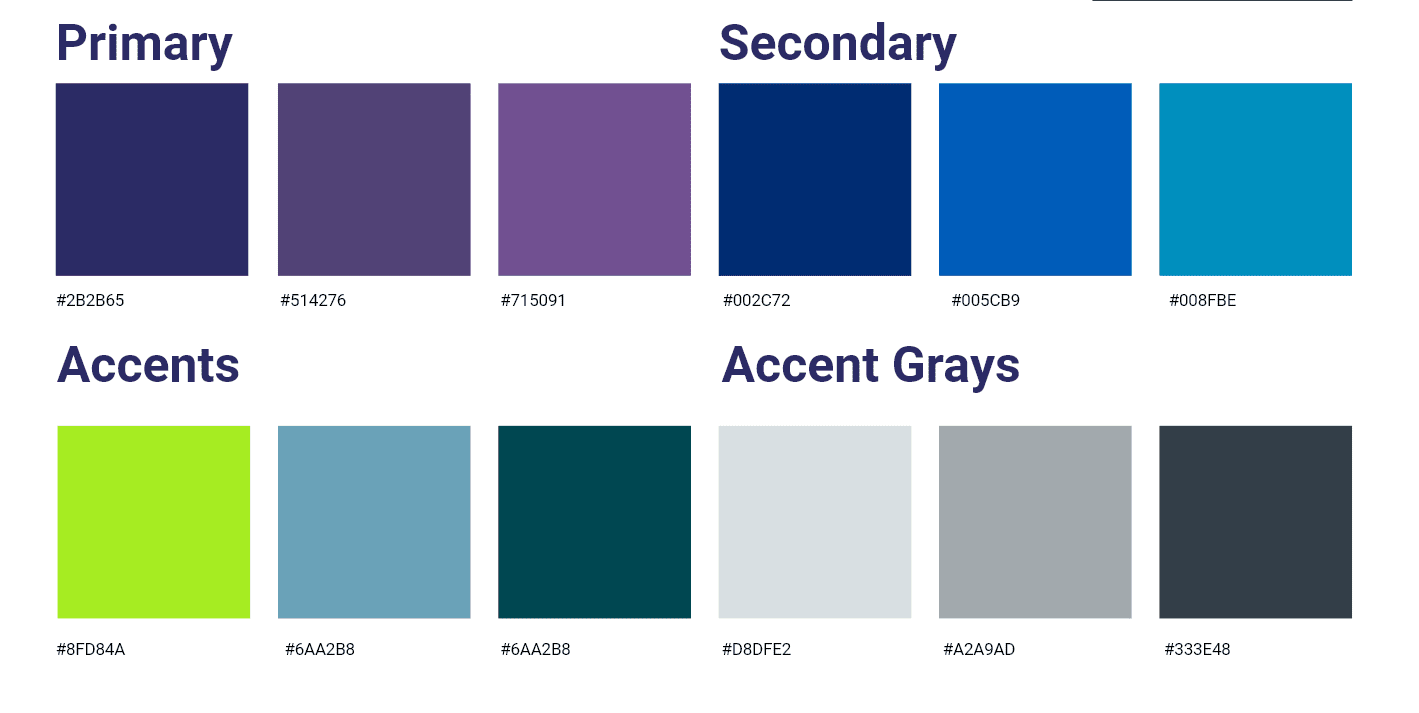
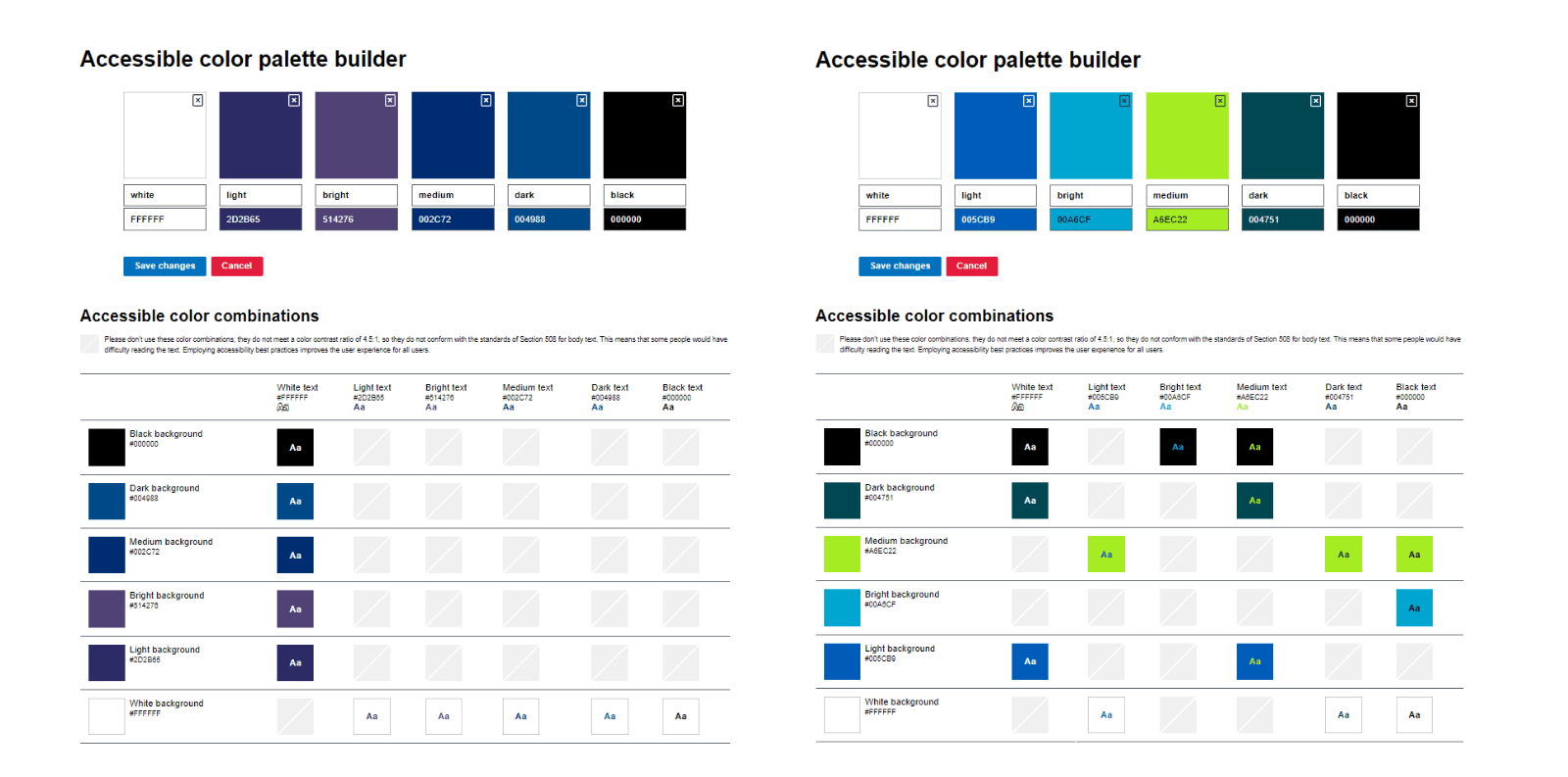
Headings - Figtree
Body Text - Montserrat
Button Styles:
Device Viewport Width Key:
- Large Desktop min-width: 1500px
- Desktop min-width: 1200px
- Laptop min-width: 800px
- Mobile min-width: 360px
Image Size Minimum Recommendations:
- Hero Image - 650px Width 350px Height
- Full Screen Images - 2000px Width 750px Height (minimum)
- Row Images (one side) -1280px Width 750px Height
- Product Images for Cards - 500px Width 540px Height
- Product Image Large Detail Page - 850px Width 600px Height
*Note - These do not need to be exact - these are just the minimum recommendations
Row
Standard Site Width: 1600px
Columns
Can choose up to 6 within a row
Modules Within Columns
Where and how you will add your content
Page Build
Things to consider:
- What is the purpose of the page?
- What content is needed to define the purpose?
- What action do you want the user to take?
Using Saved Rows and Modules
Can be used as Building Blocks for your site
Where to Find Saved Rows/Modules
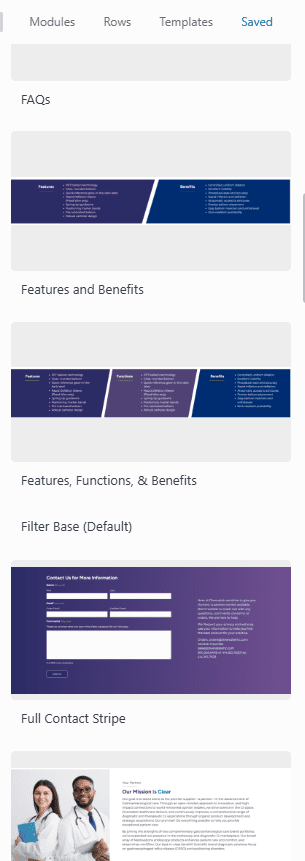
Saved Rows and Modules can be found in the upper right corner within the + sign when you go to edit a page. It is the far right tab labeled "Save"
Things to Consider
If you have a large paragraph of text, can you break it up into smaller sections for better scan ability?
Example break into two rows and add an image:


Things to Consider cont.
Decide if something deserves a special callout stripe and set it apart from the rest:

Things to Consider cont.
Make clickable items more visually exciting by using hover cards.